Migrate Your Nodes by March 31: Earn Retroactive SPORE Rewards from January 1

Hi farmers,

Now is a great time to migrate your nodes to Project Mycelium. The deadline is March 31, 2026 (UTC). Farmers who complete migration by then qualify for baseline bid tier SPORE rewards retroactive to January 1, 2026. Nodes migrated after March 31 will not be eligible for retroactive rewards.

What’s happening

Project Mycelium is the next chapter of ThreeFold. It introduces a new utilization-based marketplace where farmers set their own prices, earn 80% of rental revenue in SPORE, and can self-host on their own capacity at no cost.

ThreeFold Grid (v3) remains operational. There are still revenues from deployments, but minting has stopped. If you want to keep earning, migration is the path forward.

What migration means right now

Migrating today is a registration step. Your node stays on v3 and keeps running as-is. Nothing changes on the hardware side. You are registering your node on the Mycelium Ledger so you’re in line for rewards. When Mycelium OS is ready, there will be a 14-day notice before the official switchover, which should give you plenty of time to prepare.

How to migrate

Go to migrate.projectmycelium.com and follow three steps:

  1. Register your Mycelium Ledger identity: claim your wallet and name

  2. Move your nodes: register your existing nodes on the Mycelium Ledger

  3. Optionally buy SPORE with TFT: early access rate of 10 SPORE per 1 TFT, available until June 30, 2026

That’s it. The process can be completed in one sitting.

What you earn

  • Baseline bid tier SPORE rewards: a guaranteed income floor even before the marketplace launches

  • Retroactive from January 1, 2026: if you migrate by March 31

  • 80/10/10 revenue split once the marketplace goes live: 80% to you, 10% burned, 10% to protocol

  • Self-hosting at no cost: use your own capacity for free

Keep your nodes online until the marketplace is fully operational to receive rewards.

SPORE token details

  • Fixed at $0.01 per SPORE until June 30, 2026

  • After June, price floats via Dutch auction

  • SPORE cannot be sold through the protocol until July 1, 2026

  • TFT to SPORE purchases are one-way and final, consider your own situation before buying

  • Max supply: 10 billion, deflationary (10% of revenue is burned)

No obligation, but a clear incentive

You don’t have to join. V3 stays operational. But billing has stopped, and the retroactive reward window closes on March 31. If you plan to participate in Project Mycelium at all, doing it now costs you nothing extra and locks in months of rewards.

Migrate now at migrate.projectmycelium.com
What does “Opted Out” means on my node 6227 after migration ?

Hey @peet! Thank you for your inquiry. The “Opted Out” status on the Mycelium Dashboard indicates that the node is no longer participating in V3 billing. Once successfully registered under Project Mycelium, the node becomes eligible to earn SPORE rewards retroactively from January 1, 2026.

1 Like

I had to wait for two weeks after registering on the Mycelium Ledger, so that last step: connecting my node to Mycelium (one push of a button), I only did today. Does that mean I am too late to get retro-active rewards? Such a pitty …

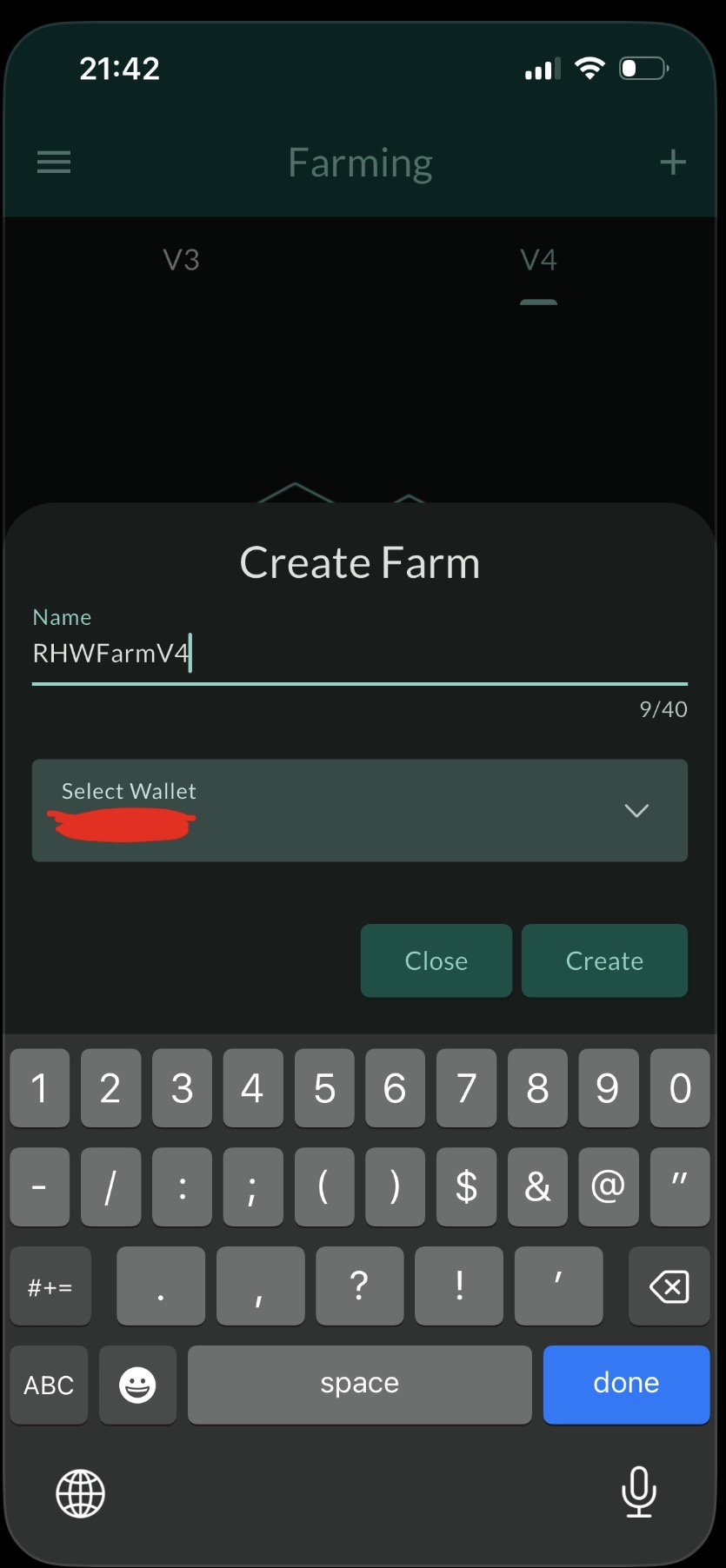
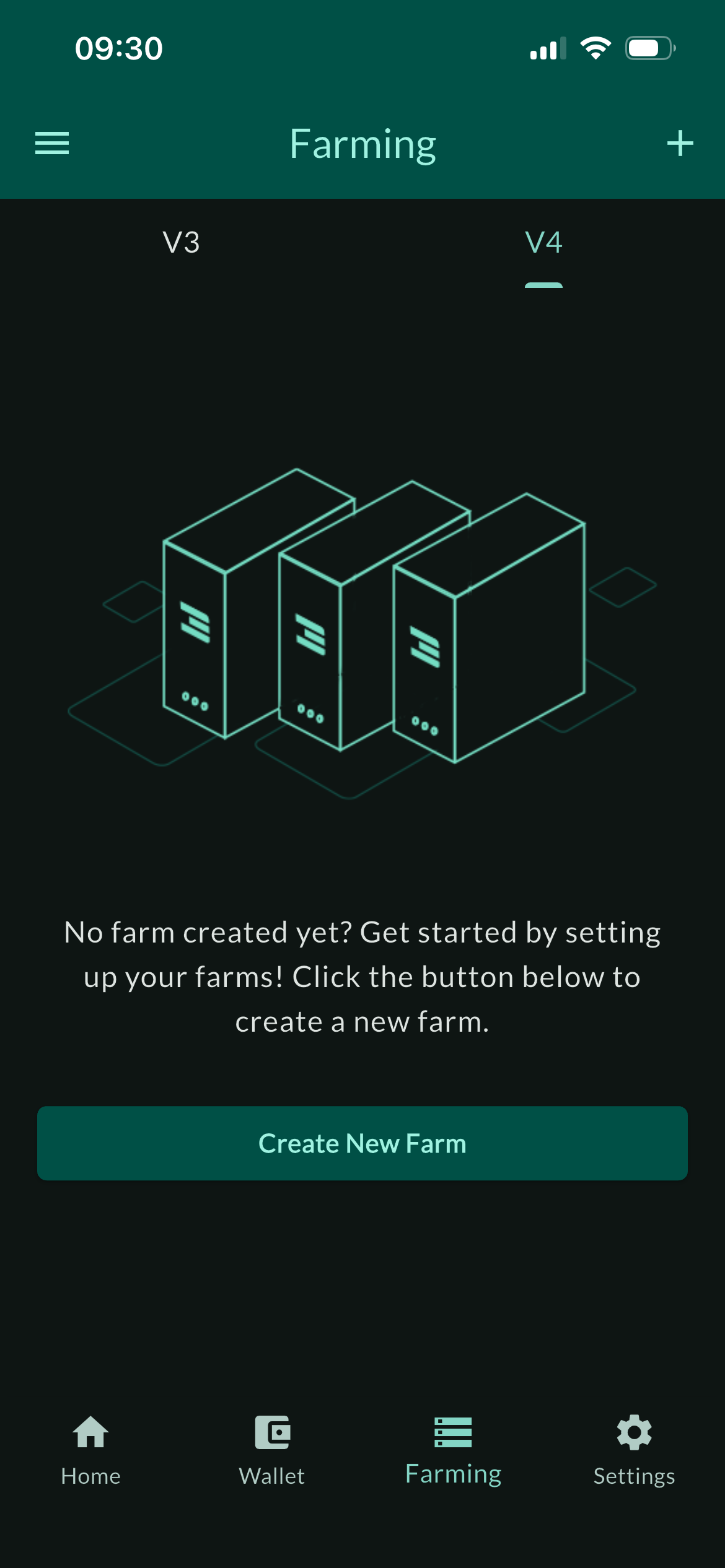
I used the Threefold Connect app / Farming tab / V4 tab / Create New Farm and selected my existing V3 wallet when I created it. But my new farm doesn’t show up on the app - see attached. I tried again with the same new farm name, but it says it already exists.

I also used the [https://migrate.projectmycelium.com/] website to connect my V3 farm to mycelium. And I converted all my TFT to SPORE. Is there a new app or way to see my SPORE on the existing Threefold Connect app? Or is it all done through the project mycelium website portal for now?

IMG_3239

I used the Threefold Connect app / Farming tab / V4 tab / Create New Farm and selected my existing V3 wallet when I created it. But my new farm doesn’t show up on the app - see attached. I tried again with the same new farm name, but it says it already exists.

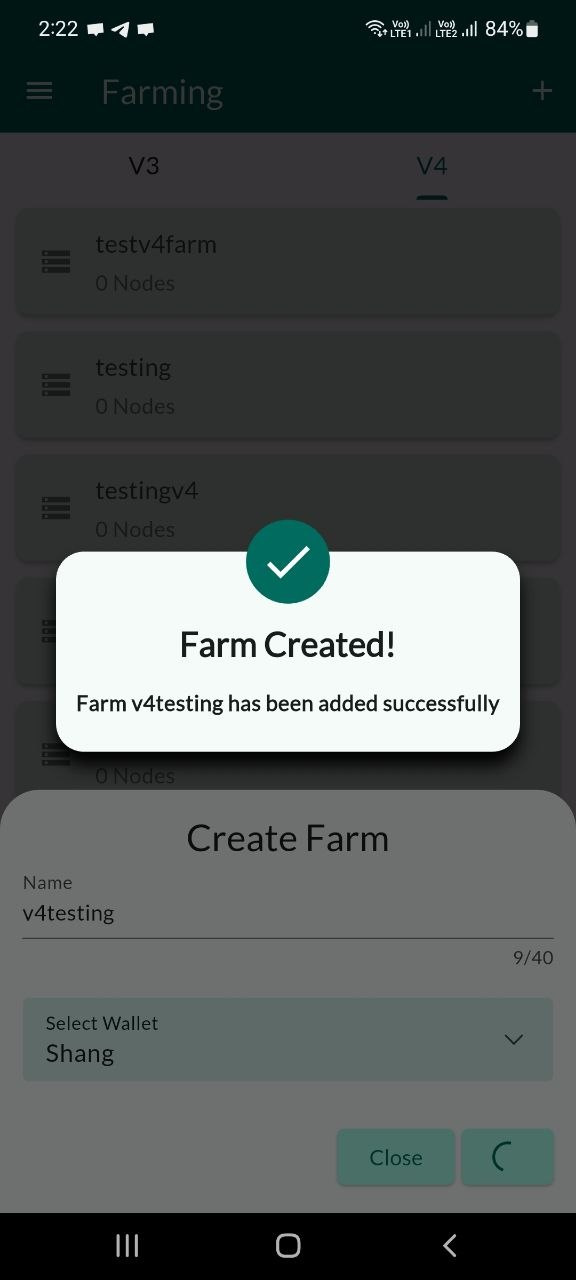
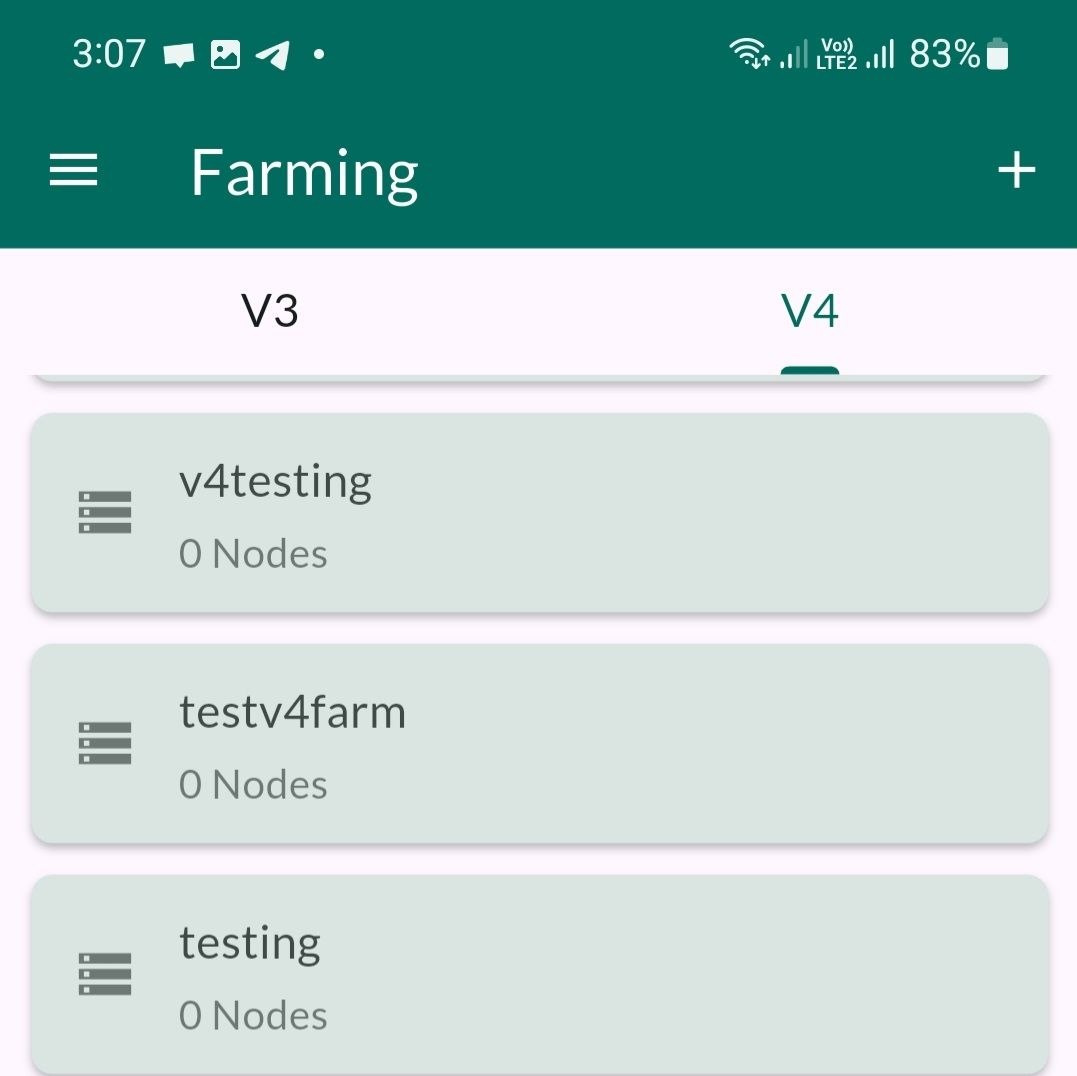
I have tested this on my end and was able to successfully create a farm under the V4 section. I kindly recommend trying again with a different farm name to see if the issue persists. Please refer to the attached screenshot for your reference.

image
image

Is there a new app or way to see my SPORE on the existing Threefold Connect app? Or is it all done through the project mycelium website portal for now?

At present, SPORE is not yet visible in the ThreeFold Connect app. We will share further updates with the community as more information becomes available.

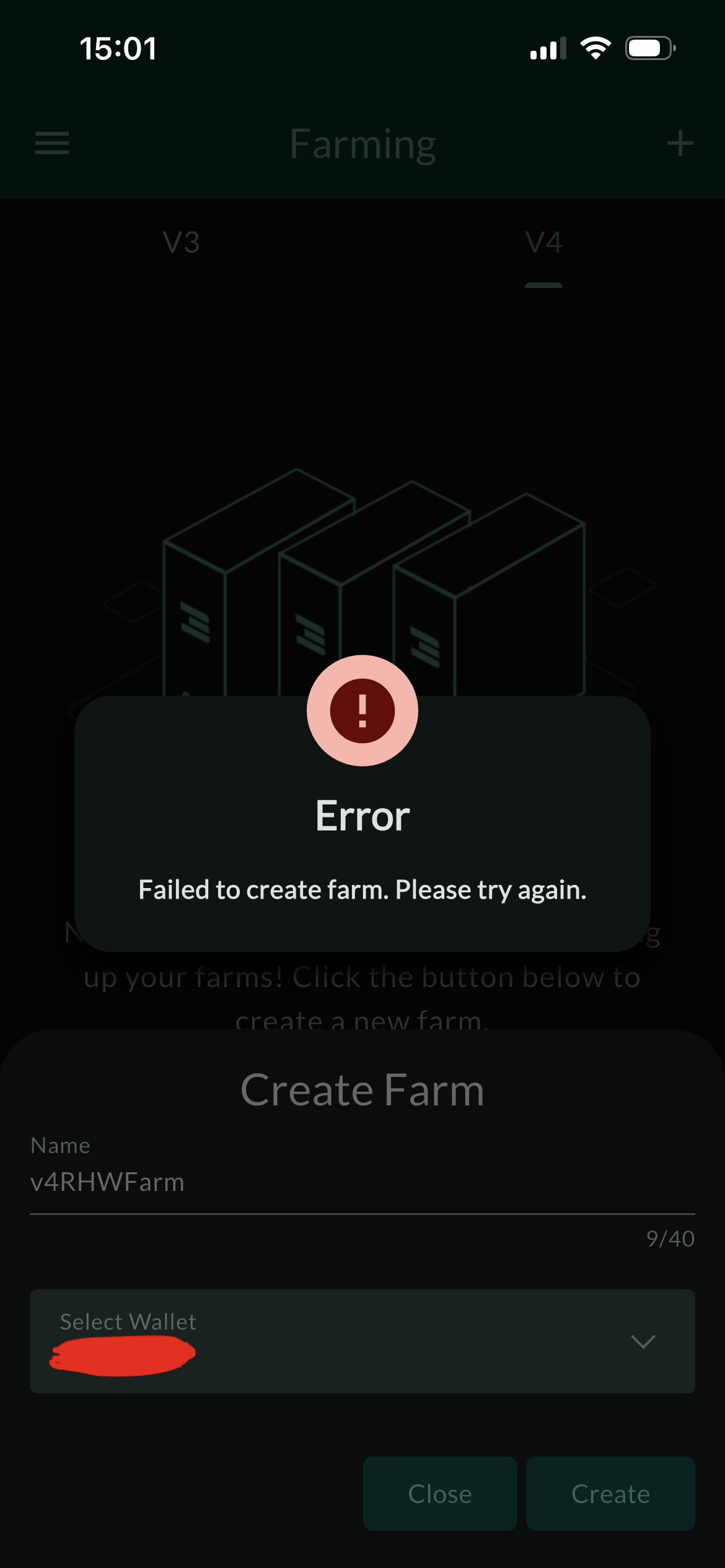
No luck: I tried creating a new one “4vRHWFarm” and linking it to my wallet, but I get an error message - see attached.

Where might I look for the first v4 farm I created “RHWFarmv4” and linked to my wallet? Or is the Threefold Connect app the only place? The first one I created “RHWFarmv4” doesn’t appear on the Dashboard either. Only my existing v3 node appears “RHWFarm”.

IMG_3249 IMG_3250

Hey @mrrightwilson! Thanks for the screenshots. Could you please share the phone details so we can investigate further?

iPhone 13 Pro, iOS 26.3.1 (a)
Threefold Connect app v4.3.1

Maybe there’s nothing more I need to do on the software side at this time. Please confirm if the following is an accurate understanding?

The Confusion: I would only use that new V4 ID if I was setting up a brand new 3Node that had never been on the V3 grid before. But I already had a node running on V3?

The “Invisible” Bug: The reason it isn’t showing up is the sync issue mentioned in the forum above — but for my current node, I don’t need it. Using my existing V3 ID (2893) is actually better because it maintains my node’s historical uptime and “Certified” status?

Hey @mrrightwilson! Thanks for sharing the details :slightly_smiling_face:

Just to clarify, you have the option to migrate your existing node from the V3 Grid to the Mycelium (V4) project (extended date is 10th April 2026 i.e today). Alternatively, if you prefer starting fresh, you can also set up a brand-new node on V4—that’s completely fine.

From what I can see, there may be a bit of confusion between dashboards. It looks like you might be checking for V4 farm details on the V3 dashboard, whereas your V4 farm ( RHWFarmv4 ) is actually visible on the V4 dashboard here.

Additionally, I ran a quick test on my iPhone and was able to reproduce the issue. It appears to be related to iOS devices. I’ve already created a ticket for this and will keep you updated on the progress.

1 Like